
AI Assistant for Eval Studio
Open the AI Assistant
Section titled “Open the AI Assistant”- Open a form in Eval Studio.
- Tap AI Assistant.
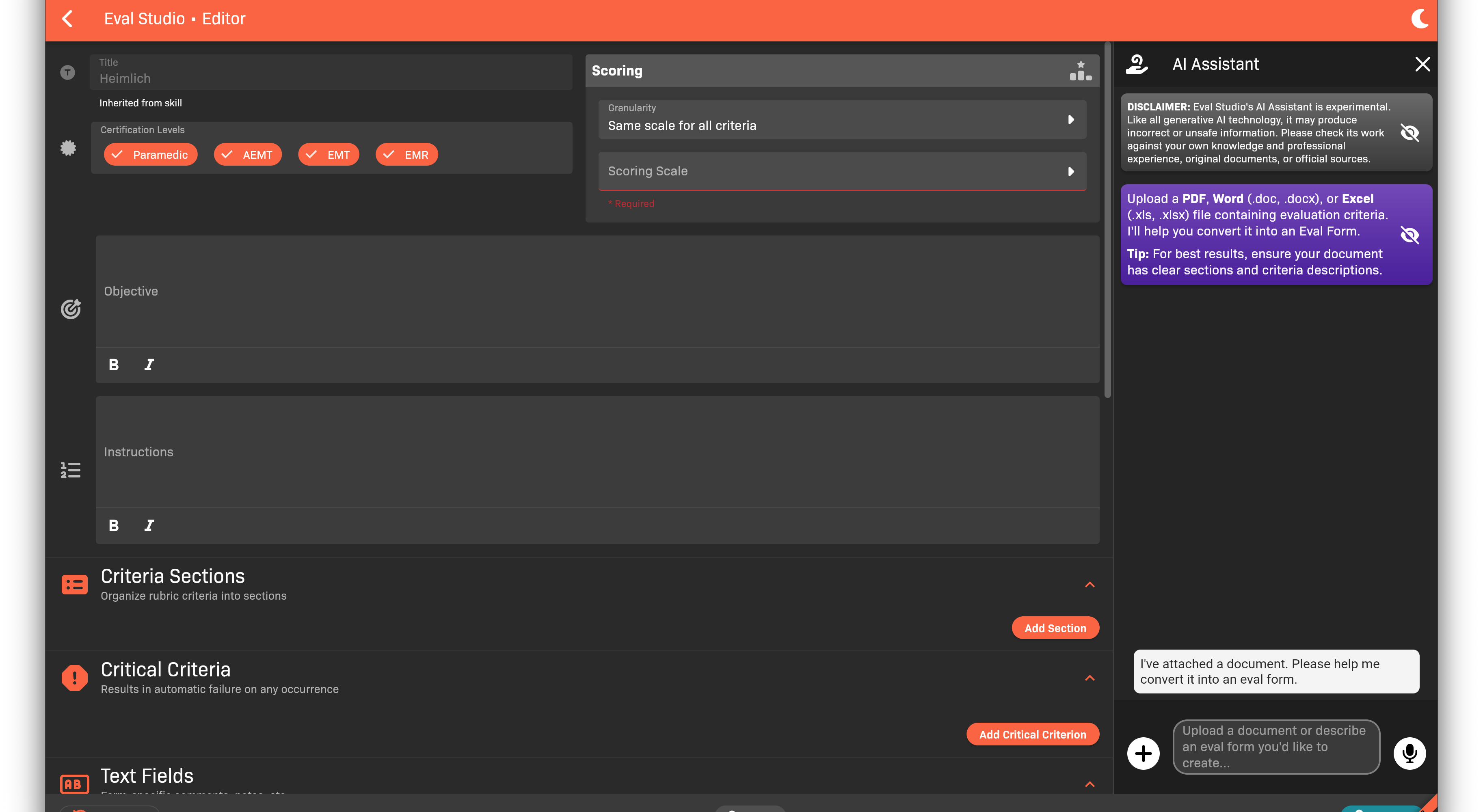
AI Assistant panel
Create a form from a document
Section titled “Create a form from a document”- In the AI Assistant panel, upload a PDF, Word document, or Excel file.
- Wait for the form draft to appear in the editor.
- Review and edit the draft, then tap Save.
Create a form from a description
Section titled “Create a form from a description”- In the AI Assistant panel, describe the form you want.
- Review the generated sections, criteria, and scoring.
- Edit as needed and tap Save.