
Managing cohorts
Go to the Cohorts screen
Section titled “Go to the Cohorts screen”- Go to the Settings page. If you’re using a mobile device, you may need to access this page by first tapping (menu).
- Select the appropriate Program / Organization Unit, if prompted.
- Tap Cohorts.
The Cohorts screen appears.
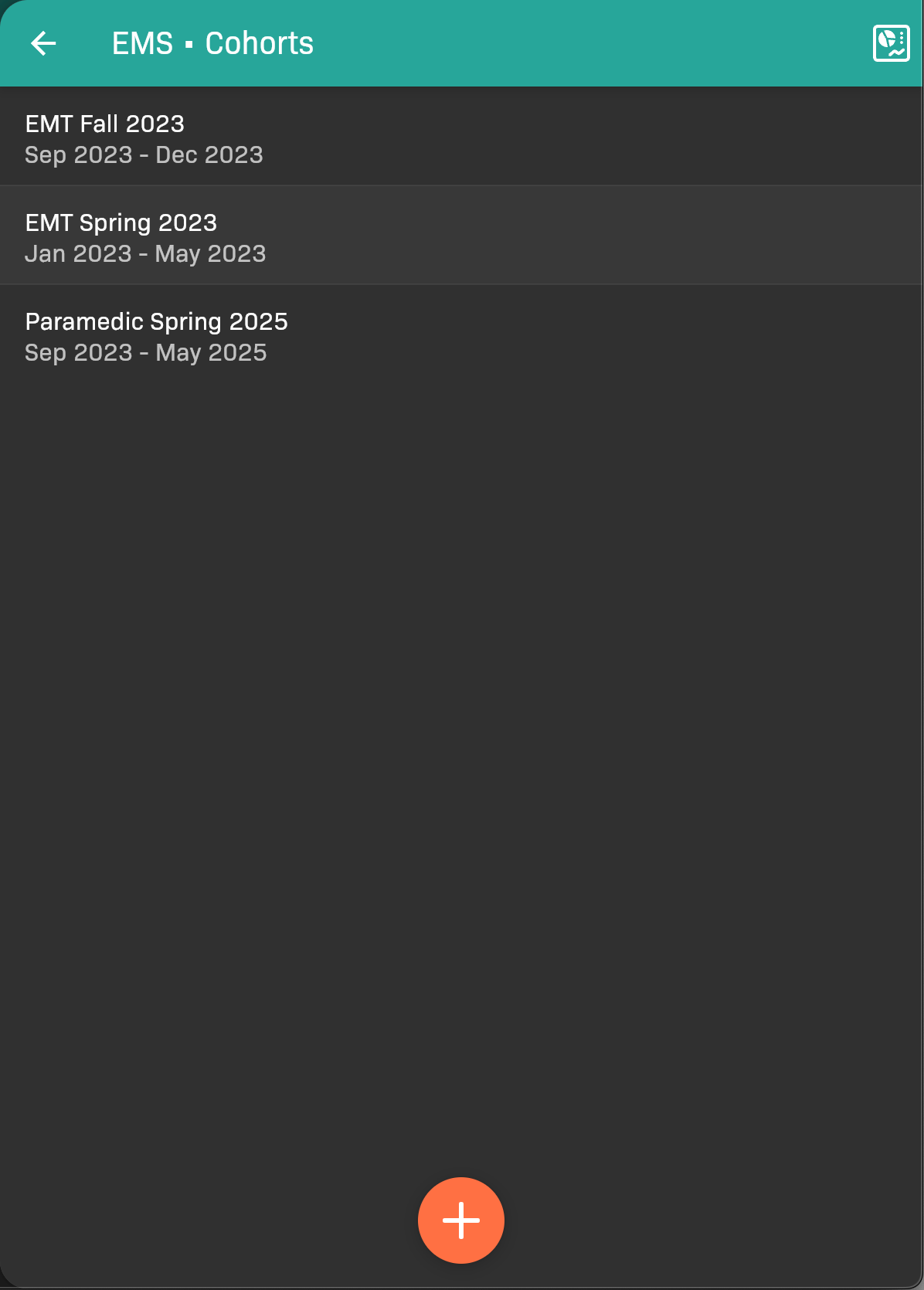
Cohorts screen
Add a cohort
Section titled “Add a cohort”Tap at the bottom of the screen. See Add Your First Cohort for details.
Edit a cohort
Section titled “Edit a cohort”- Tap the name of the cohort.
- Make your changes. For details see Add Your First Cohort.
- When you’re finished, tap .
The cohort screen also shows What counts as a successful patient encounter? This is the learning-objective configuration captured when the cohort was created. It is shown for reference because changing an existing cohort’s objectives can change how previously completed patient evaluations count. Contact EMCE Support if an existing cohort’s configuration must be corrected.
Retally Evaluations for a cohort
Section titled “Retally Evaluations for a cohort”If any cohort requirement specifications have changed, and students have already entered data, existing evaluations will need to be re-matched with those requirements.
-
Tap the name of the cohort.
-
Tap in the top-right corner.
-
Tap Retally to confirm.
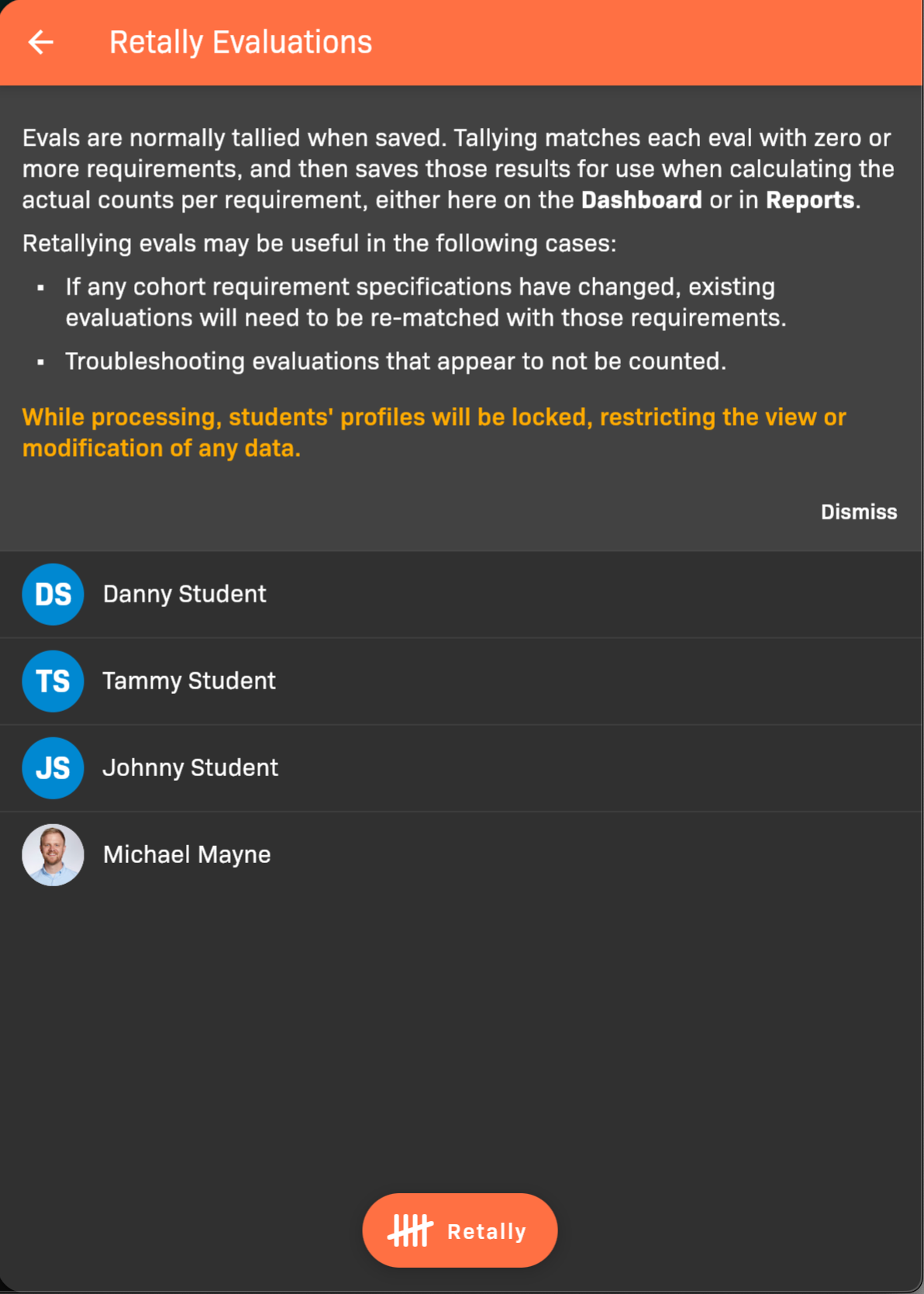
Retally Evaluations