
Organization settings
To access organization settings:
- Go to the Settings page. If you’re using a mobile device, you may need to access this page by first tapping (menu).
- Tap Organization.
The Edit Organization pane appears. See #organization-details.
Organization details
Section titled “Organization details”The Edit Organization pane allows you to configure organization details such as organization name, details, contact person, address, website, and email domain names.
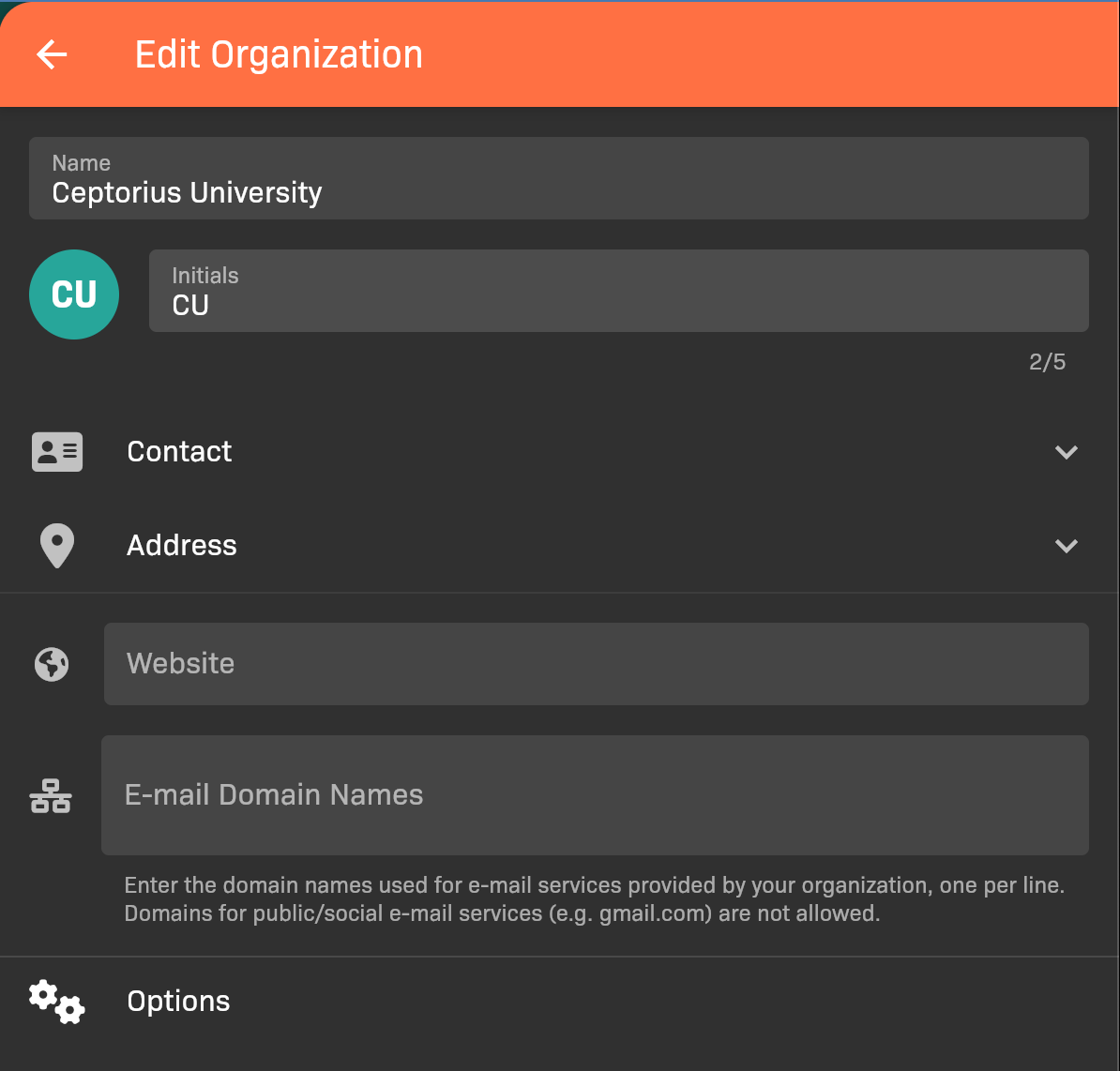
Edit Organization pane
Tap Options to modify organization options, which provide customizable policy settings. See #organization-options.
Organization options
Section titled “Organization options”The organization options provide customizable policy settings for app behavior, including general settings, evaluations, sim sessions, scheduling, reports, notifications, and labels.
To access organization settings:
- Go to the Settings page. If you’re using a mobile device, you may need to access this page by first tapping (menu).
- Tap Organization.
- Tap Options at the bottom of the screen.
General tab
Section titled “General tab”The General tab provides settings for new instructors, preceptor approval, and learning activity dashboard widgets for students.
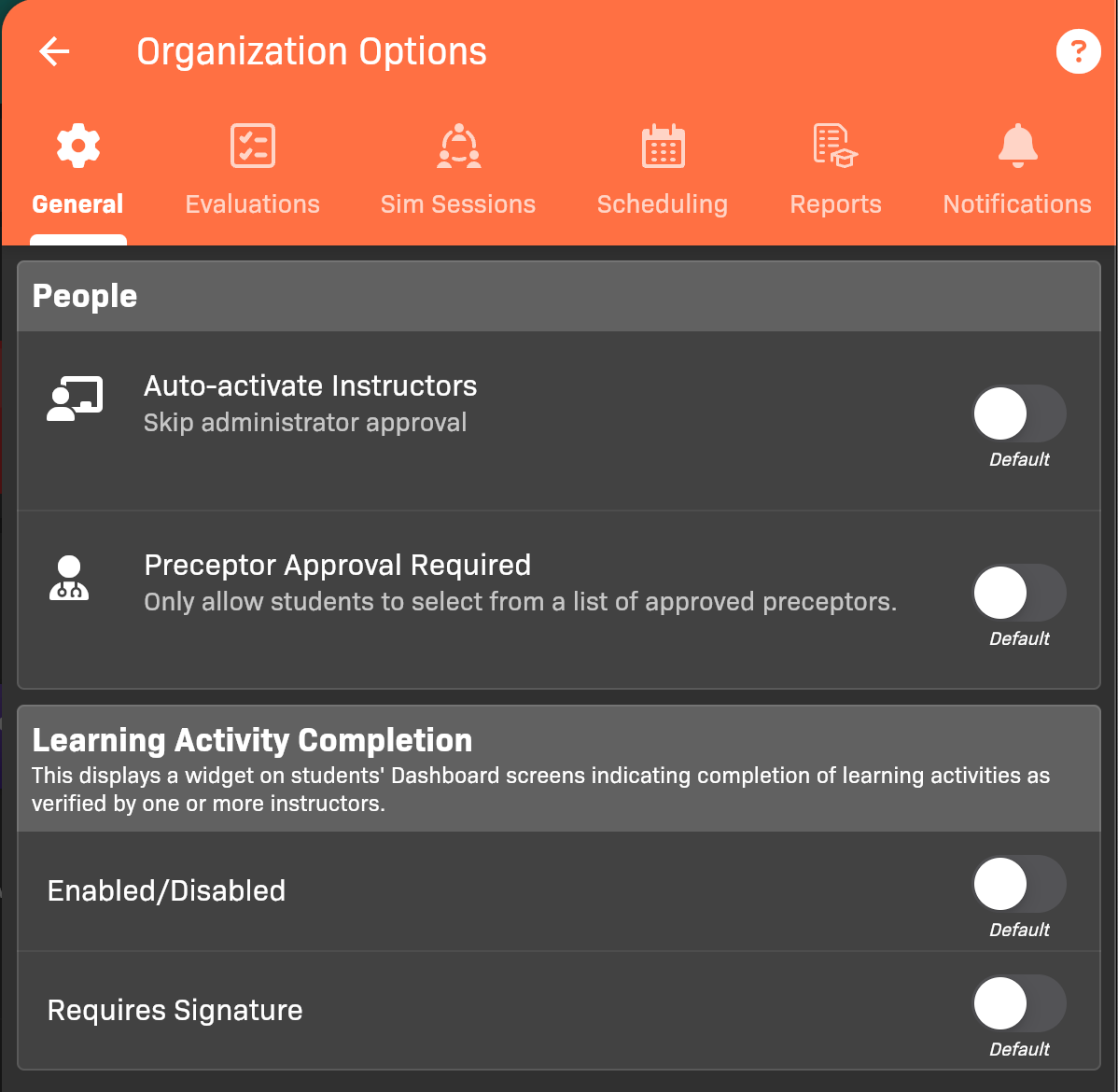
Organization Options - General tab
Evaluations tab
Section titled “Evaluations tab”The Evaluations tab provides settings that apply to all evaluation types, as well as customization options for each evaluation type.
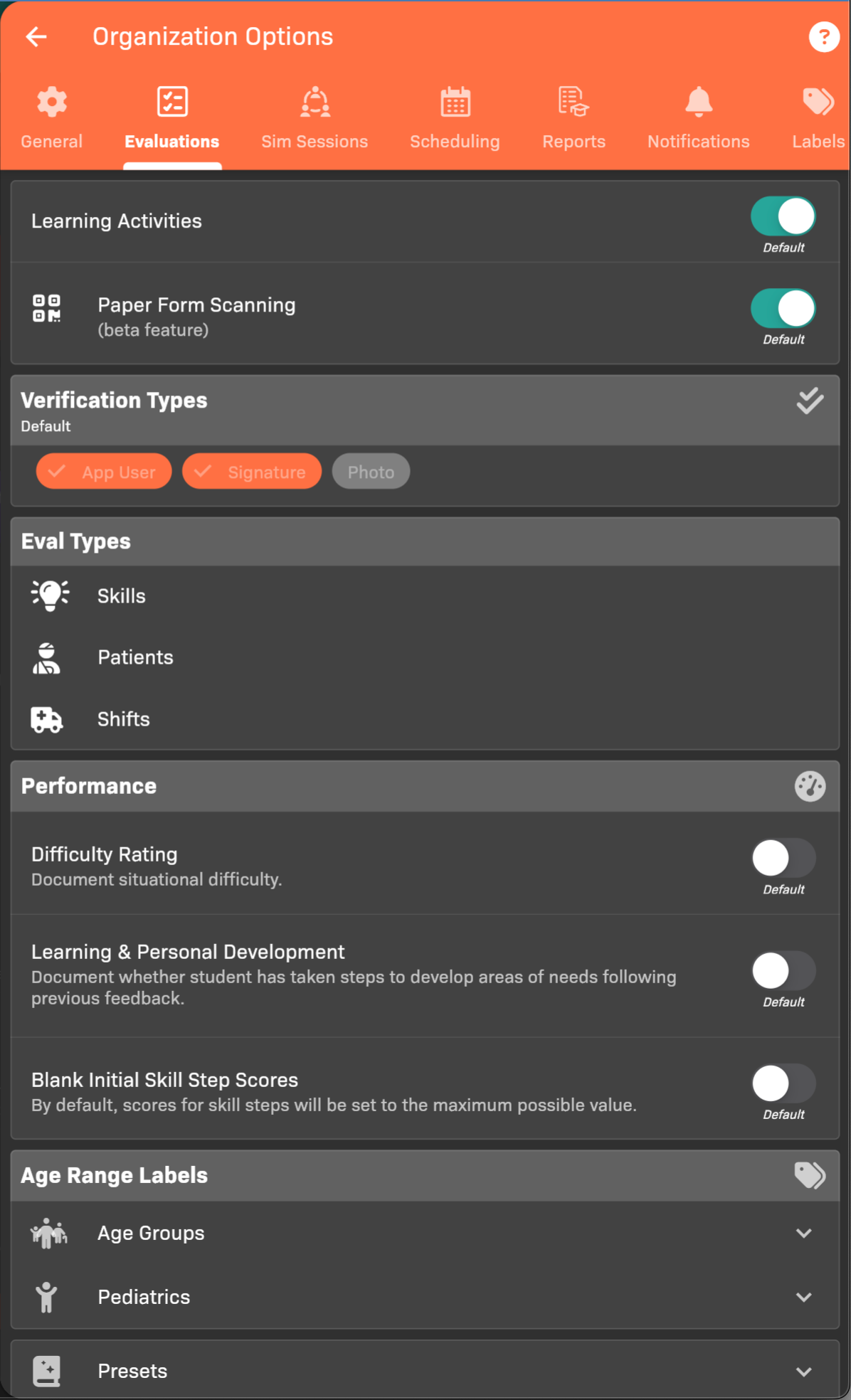
Organization Options - Evaluations tab
Sim Sessions tab
Section titled “Sim Sessions tab”The Sim Sessions tab allows you to enable or disable the Sim Sessions feature.
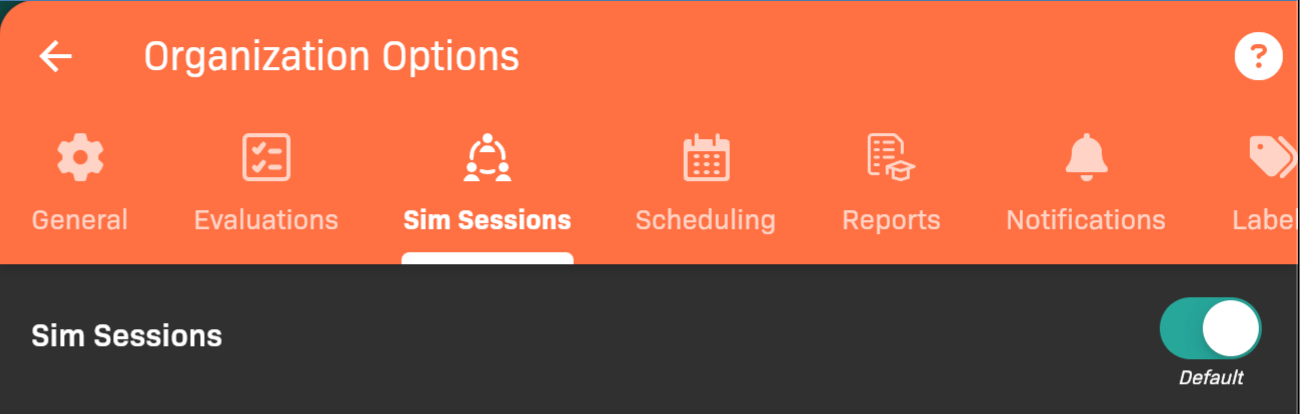
Organization Options - Sim Sessions tab
Scheduling tab
Section titled “Scheduling tab”The Scheduling tab allows you to enable or disable the Scheduling feature, and control approval preferences for Locations.
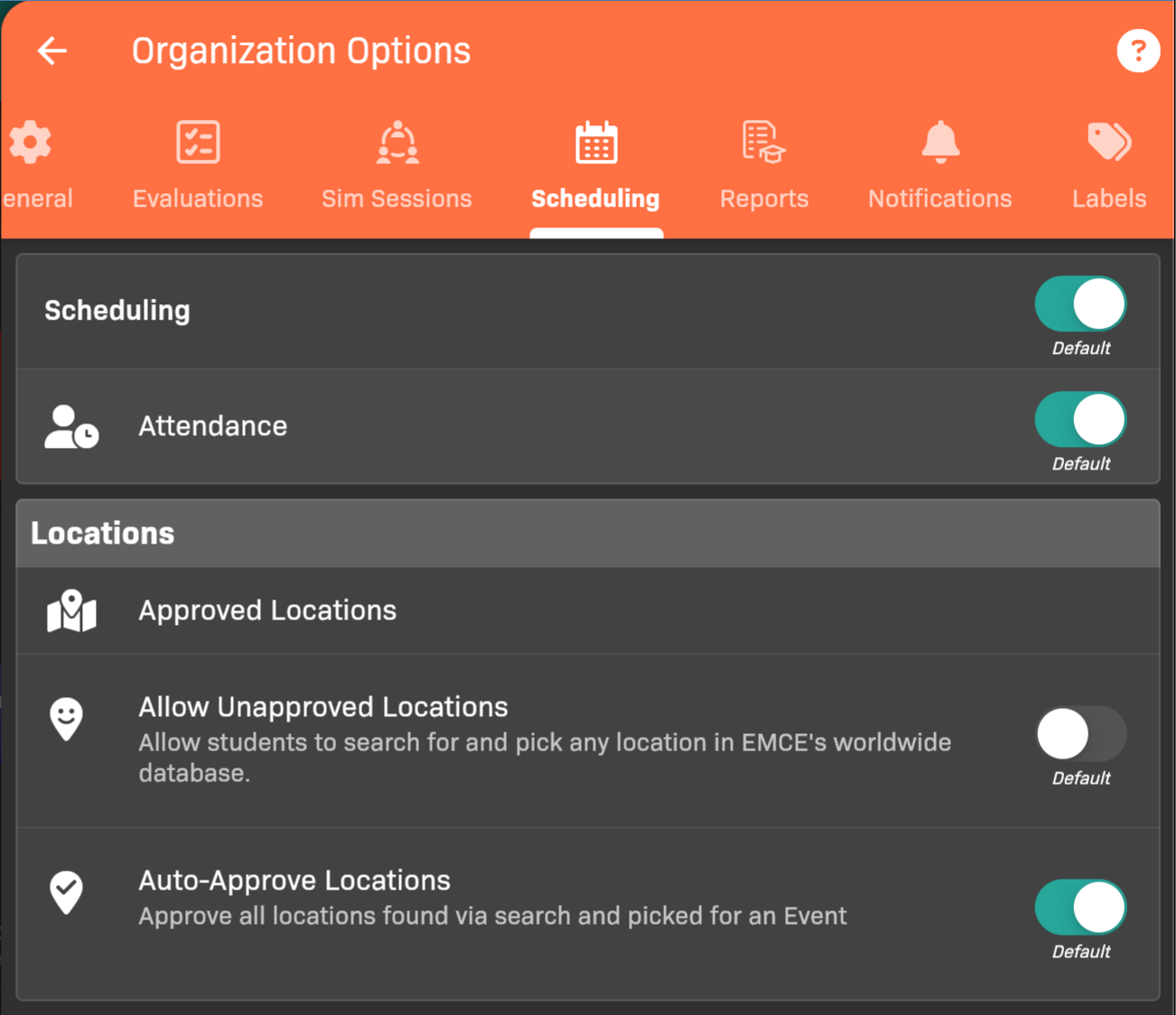
Organization Options - Scheduling tab
You can also enable Event Drop Requests for students if your organization uses Scheduling.
Reports tab
Section titled “Reports tab”The Reports tab allows you to control report download settings.
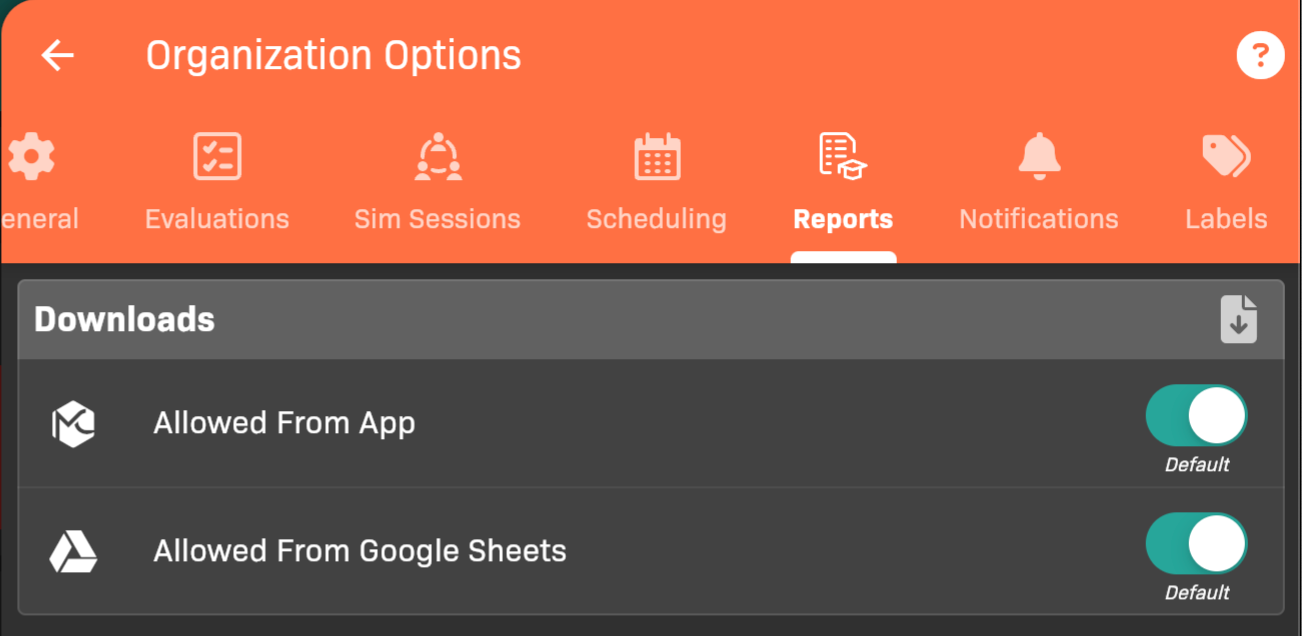
Organization Options - Reports tab
Notifications tab
Section titled “Notifications tab”The Notifications tab allows you to control notification settings for evaluations.
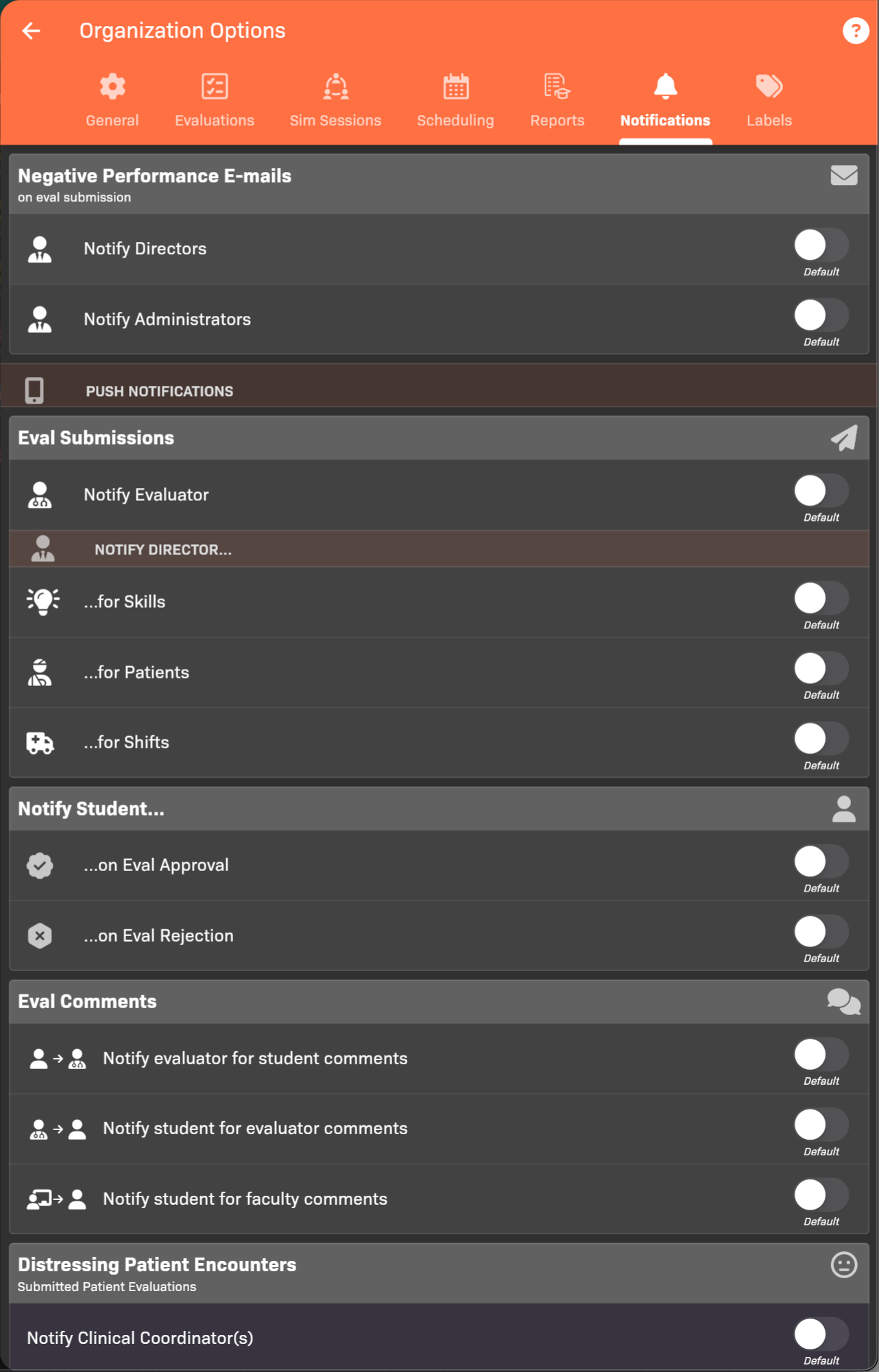
Organization Options - Reports tab
Learning Center tab
Section titled “Learning Center tab”The Learning Center tab controls AI tools such as PreceptoBot.
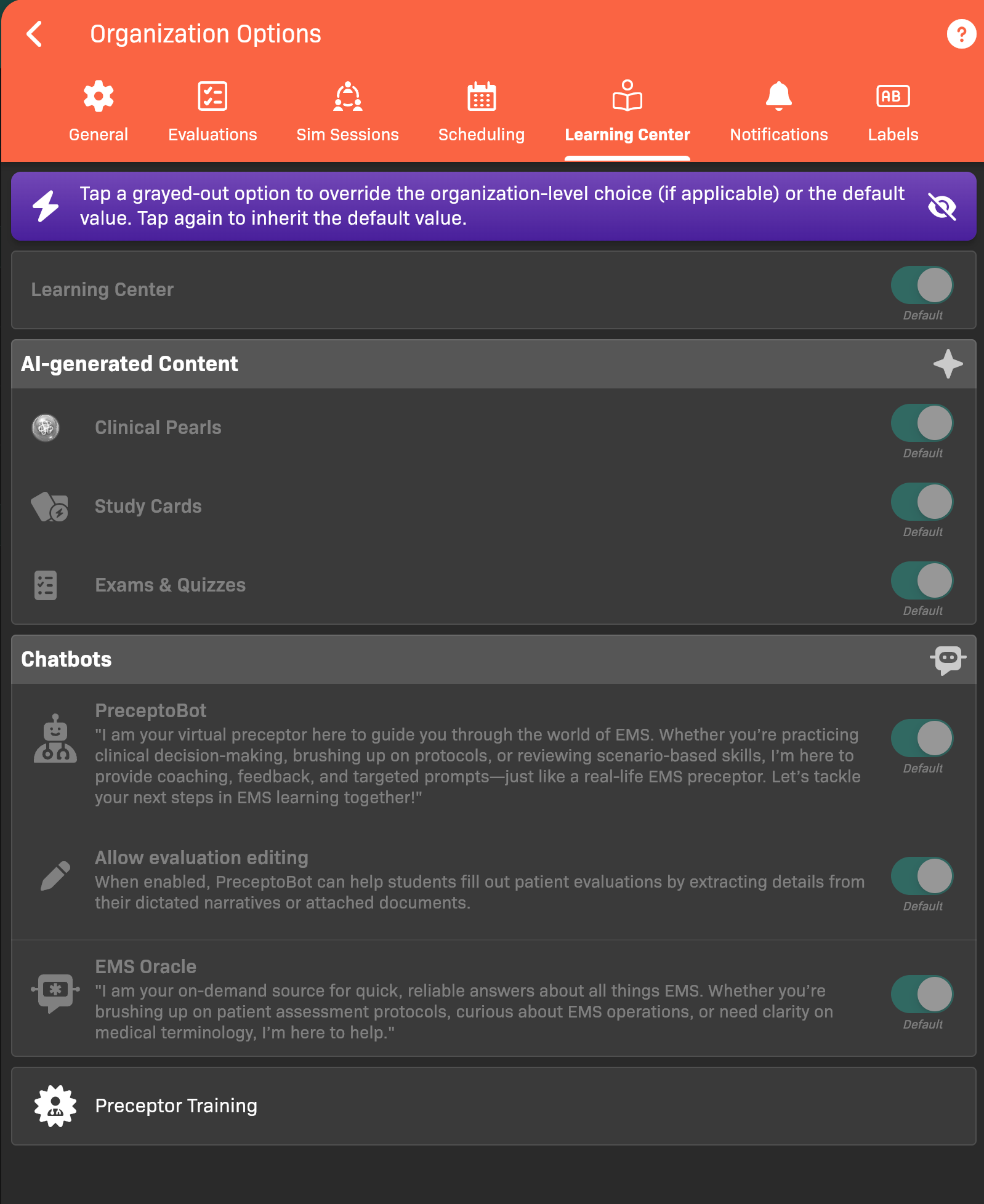
Organization Options - Learning Center tab
To enable PreceptoBot evaluation editing:
- Turn on PreceptoBot.
- Turn on Allow evaluation editing.
Labels tab
Section titled “Labels tab”The Labels tab allows you to rename Learning Activities, Pathologies, Learning Environments, and Skill Steps in the app to match the terminology your organization uses.
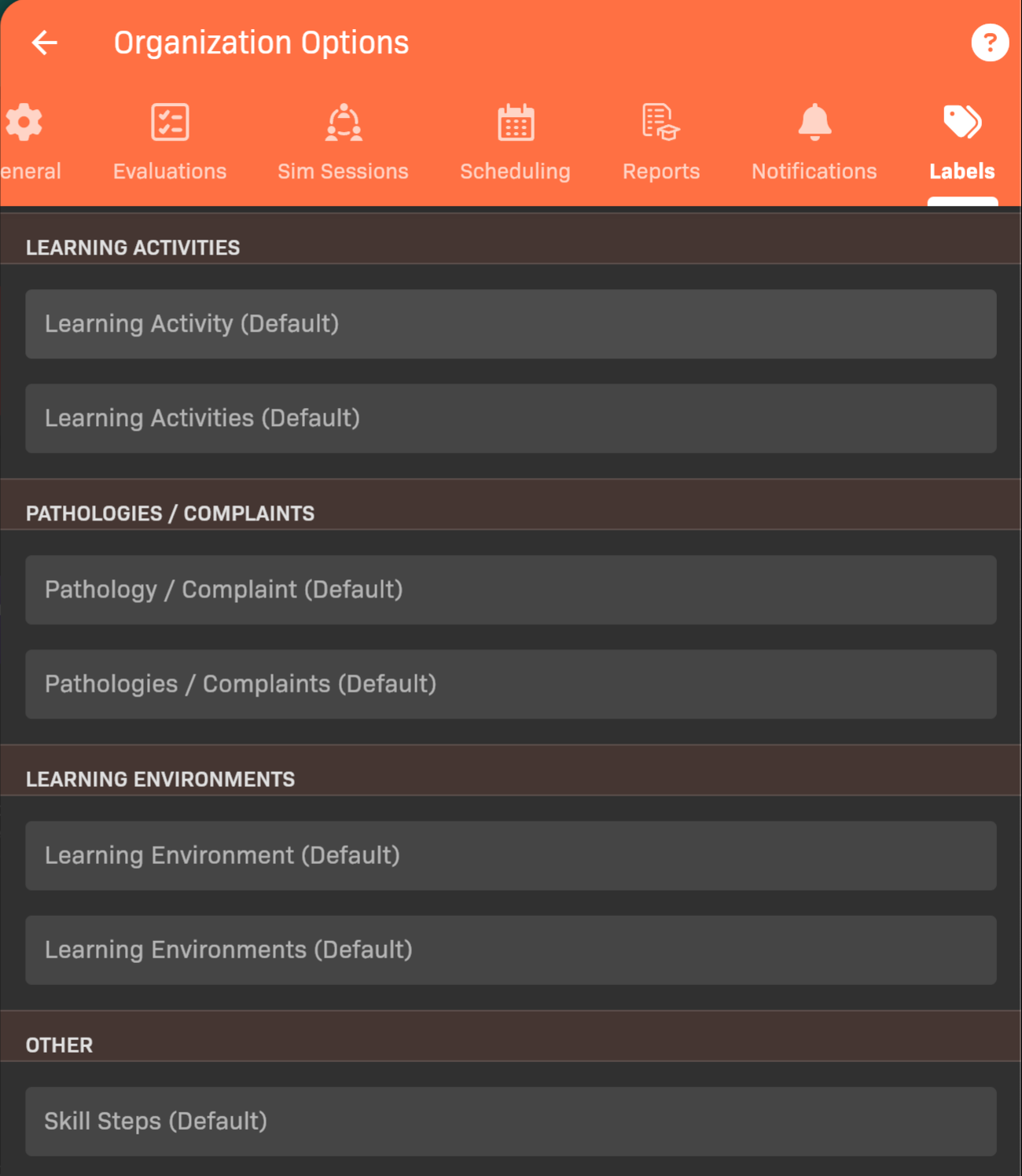
Organization Options - Labels tab