
Creating evaluation forms
Create a new form
Section titled “Create a new form”- In Eval Studio, choose the tab for the form type you want.
- Tap New to create a form.
- Enter a title and complete the required fields.
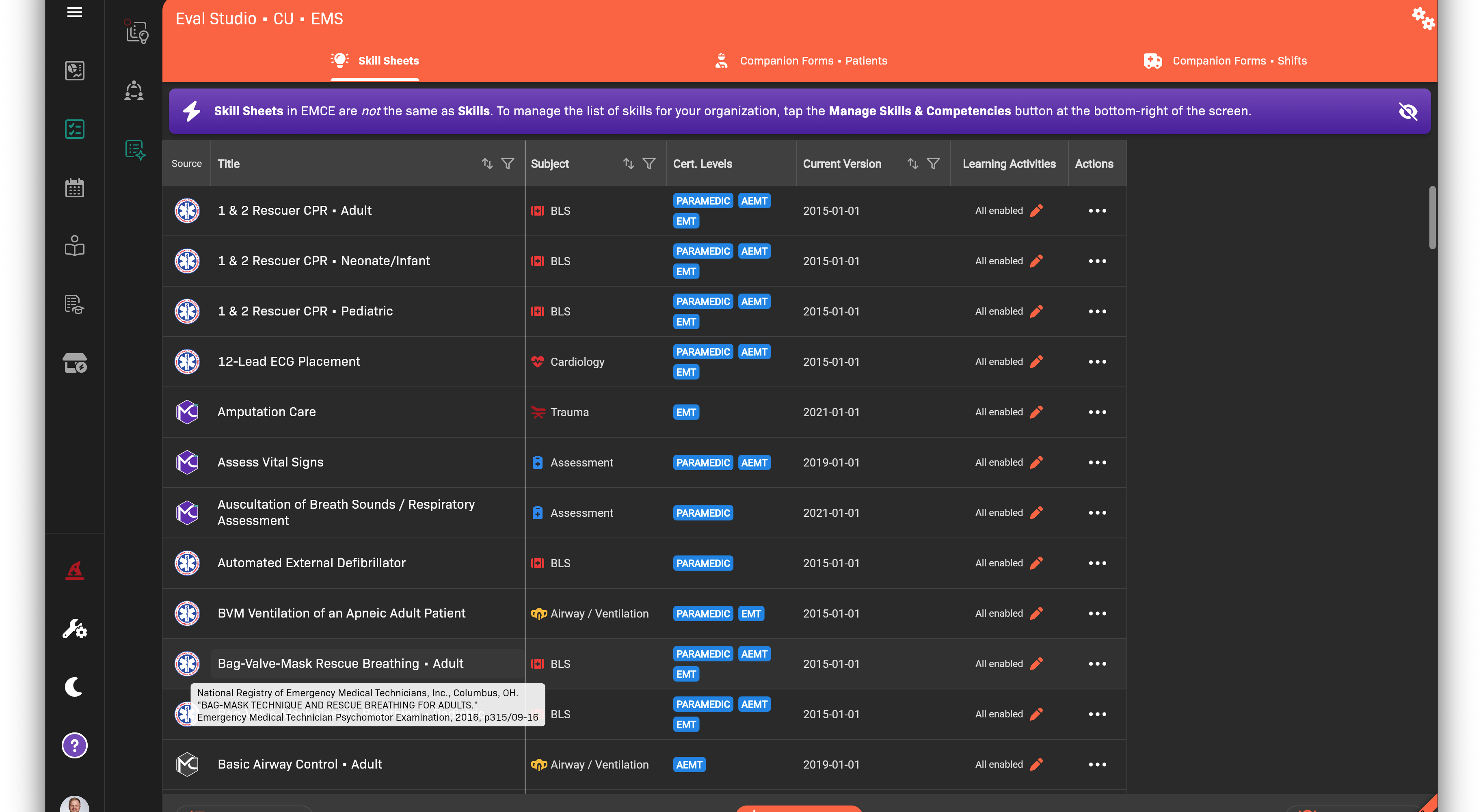
Eval Studio list with New button
Build sections and criteria
Section titled “Build sections and criteria”- Add sections to organize the form.
- Add criteria under each section.
- Use nested criteria for complex rubrics.
Configure scoring and critical failures
Section titled “Configure scoring and critical failures”- Choose a scoring scale.
- Set critical fail criteria if needed.
- Review the cut score and overall scoring rules.
Save and generate a PDF
Section titled “Save and generate a PDF”- Click Save.
- Open the form actions menu and select PDF to generate a blank PDF.