
Managing preceptors
Go to the Preceptors screen
Section titled “Go to the Preceptors screen”- Go to the Settings page. If you’re using a mobile device, you may need to access this page by first tapping (menu).
- Under People, tap Preceptors.
The list of preceptors appears.
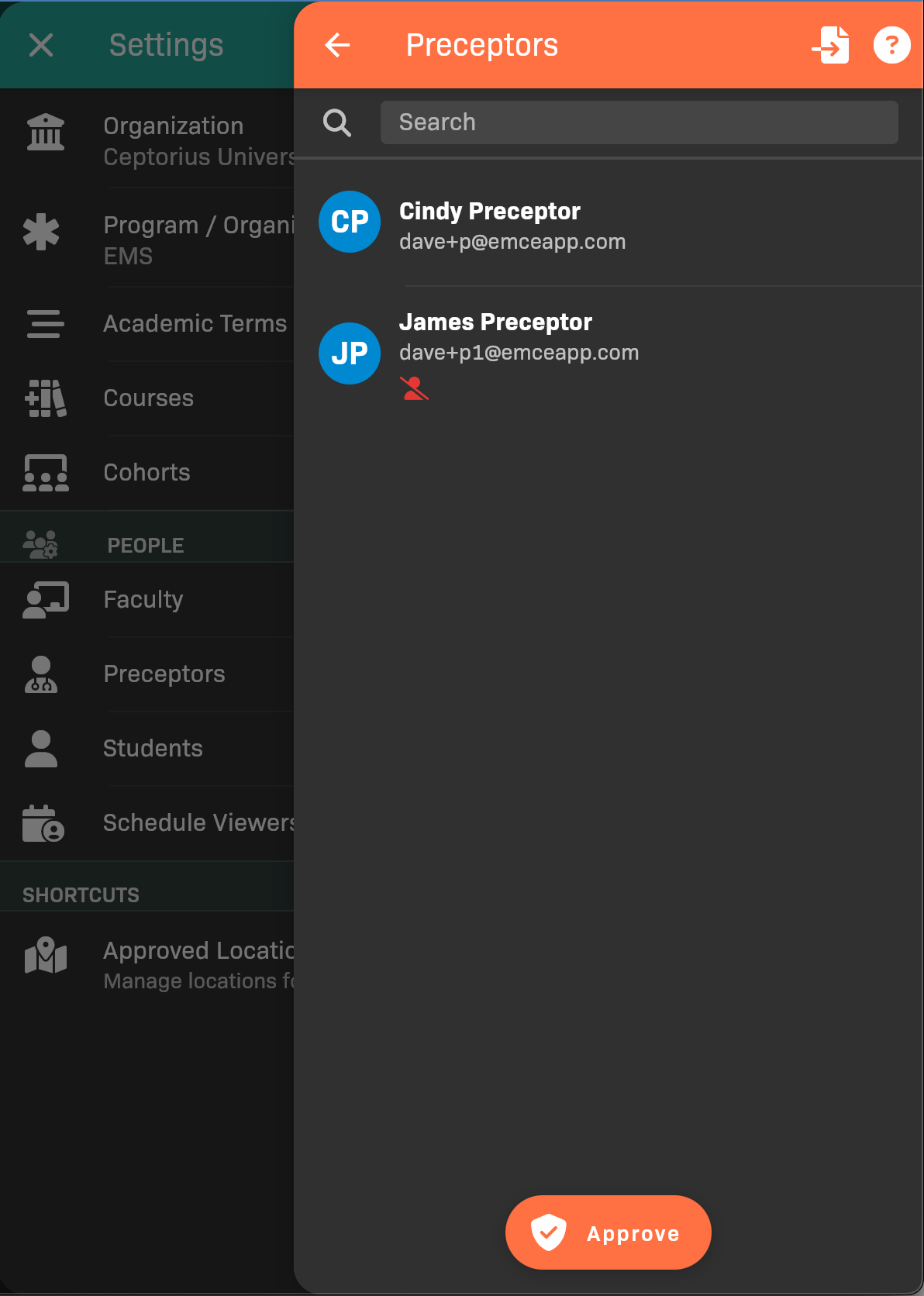
List of Preceptors
Approving a preceptor
Section titled “Approving a preceptor”Tap Approve at the bottom of the screen to add a new preceptor, or search the system for an existing preceptor to approve for your organization.
Alternatively, you can view a preceptor’s details and tap the Approved toggle.
Approved preceptors will be indicated by the  icon.
icon.