
Creating a shift evaluation for someone else
Step 1: Start the evaluation
Section titled “Step 1: Start the evaluation”-
Tap the button, then select Shift Eval.
-
When prompted, select where the shift is taking place.
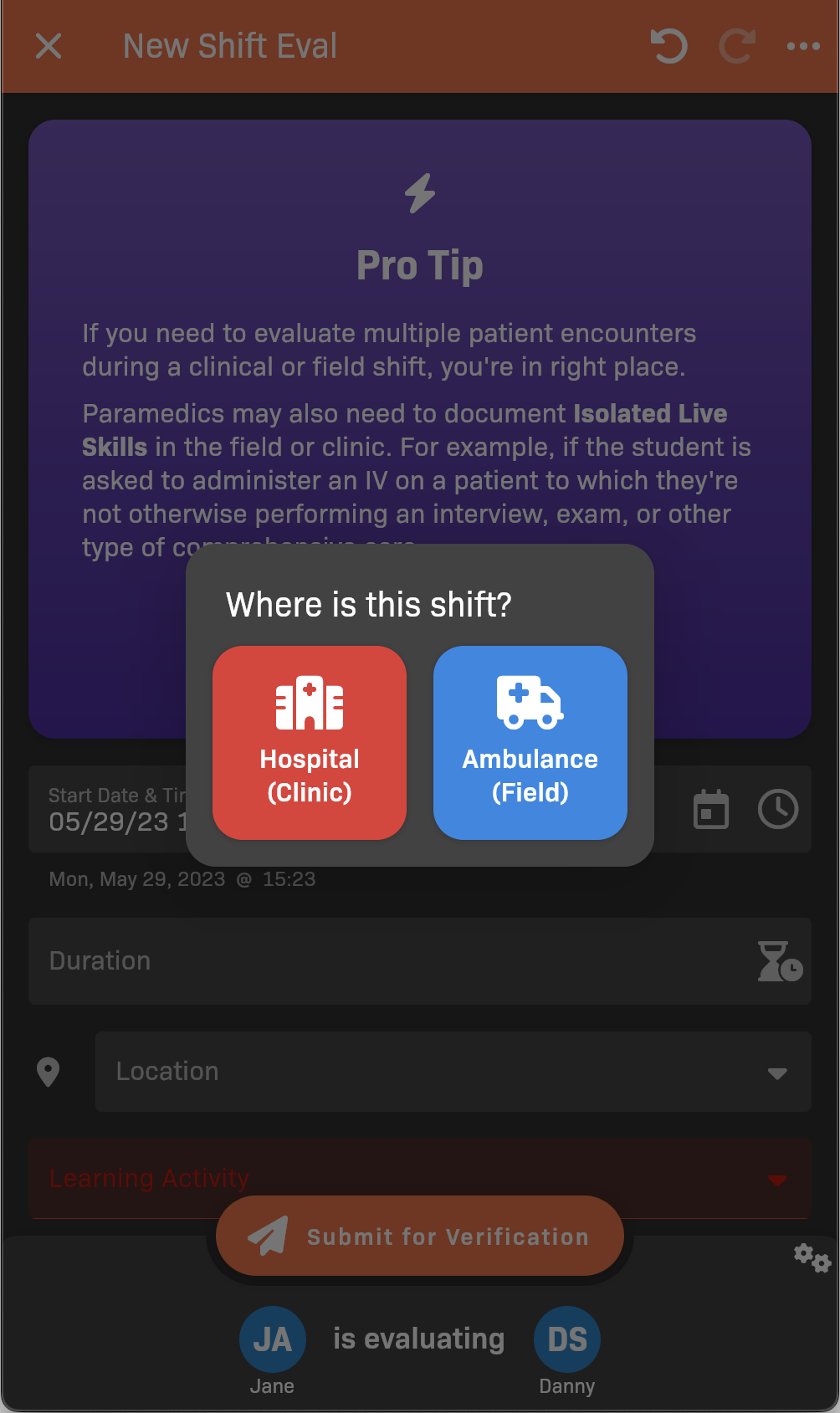
Select a location
-
Tap the bottom bar to choose who you’re evaluating.
The bottom bar may show “Pick People” or “[name] is evaluating [name]”.
-
Set the evaluation parameters:
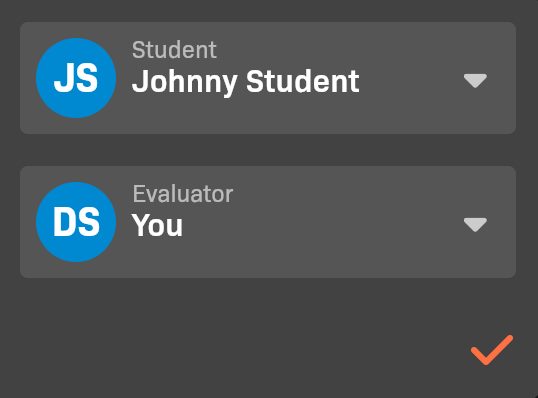
Evaluation participants
- Select the Student that you are evaluating.
- Make sure you are selected as the Evaluator.
-
When you’re finished, tap the .
Step 2: Fill out the evaluation details
Section titled “Step 2: Fill out the evaluation details”Complete the form to record the student’s performance.
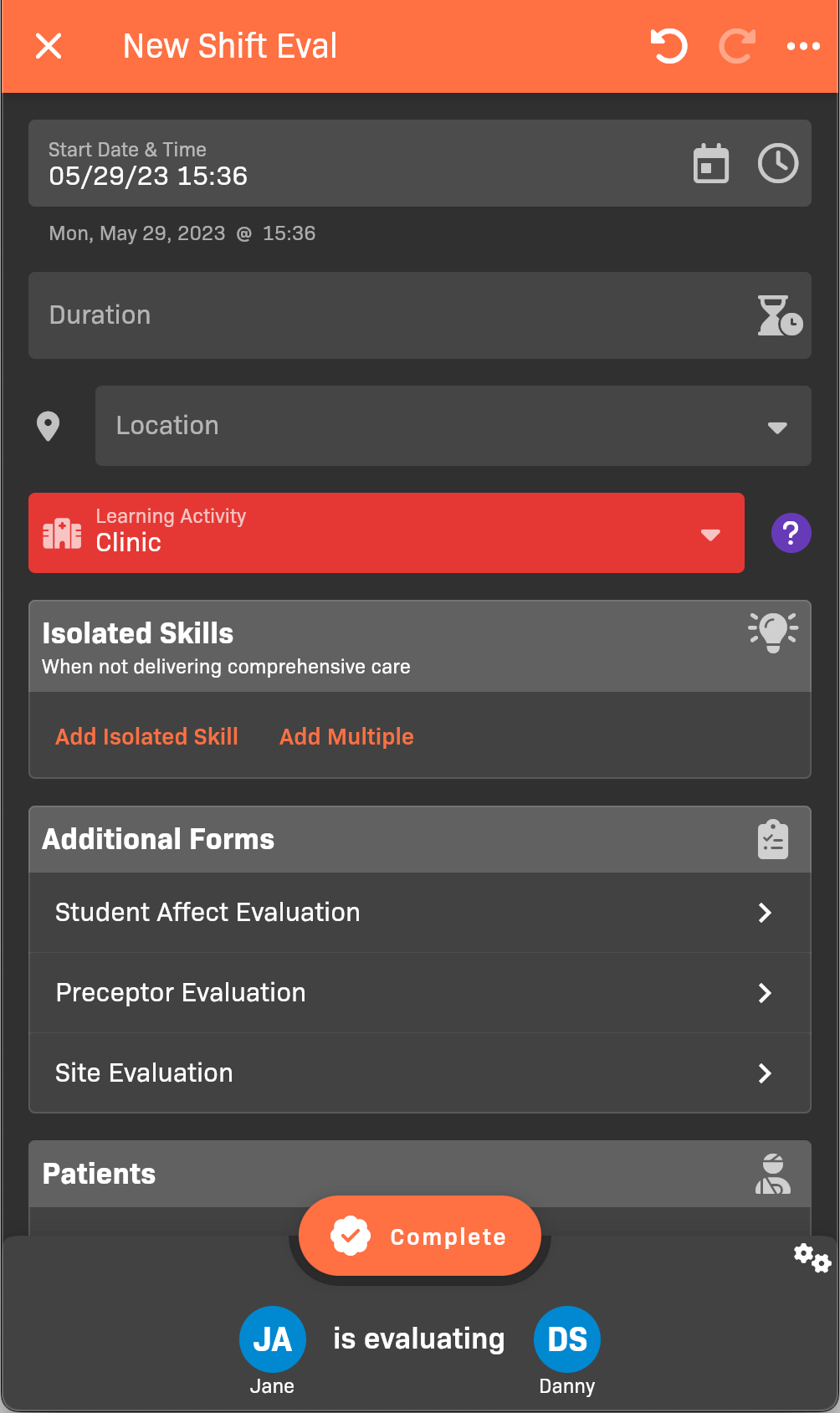
Shift evaluation details
See Filling Out a Shift Evaluation for more details.