
Joining a Sim Session as an evaluator
-
Go to the Sim Sessions page. If you’re using a mobile device, you may need to access this page by first tapping (menu).
-
On the In Progress tab, tap the sim session that you are observing.
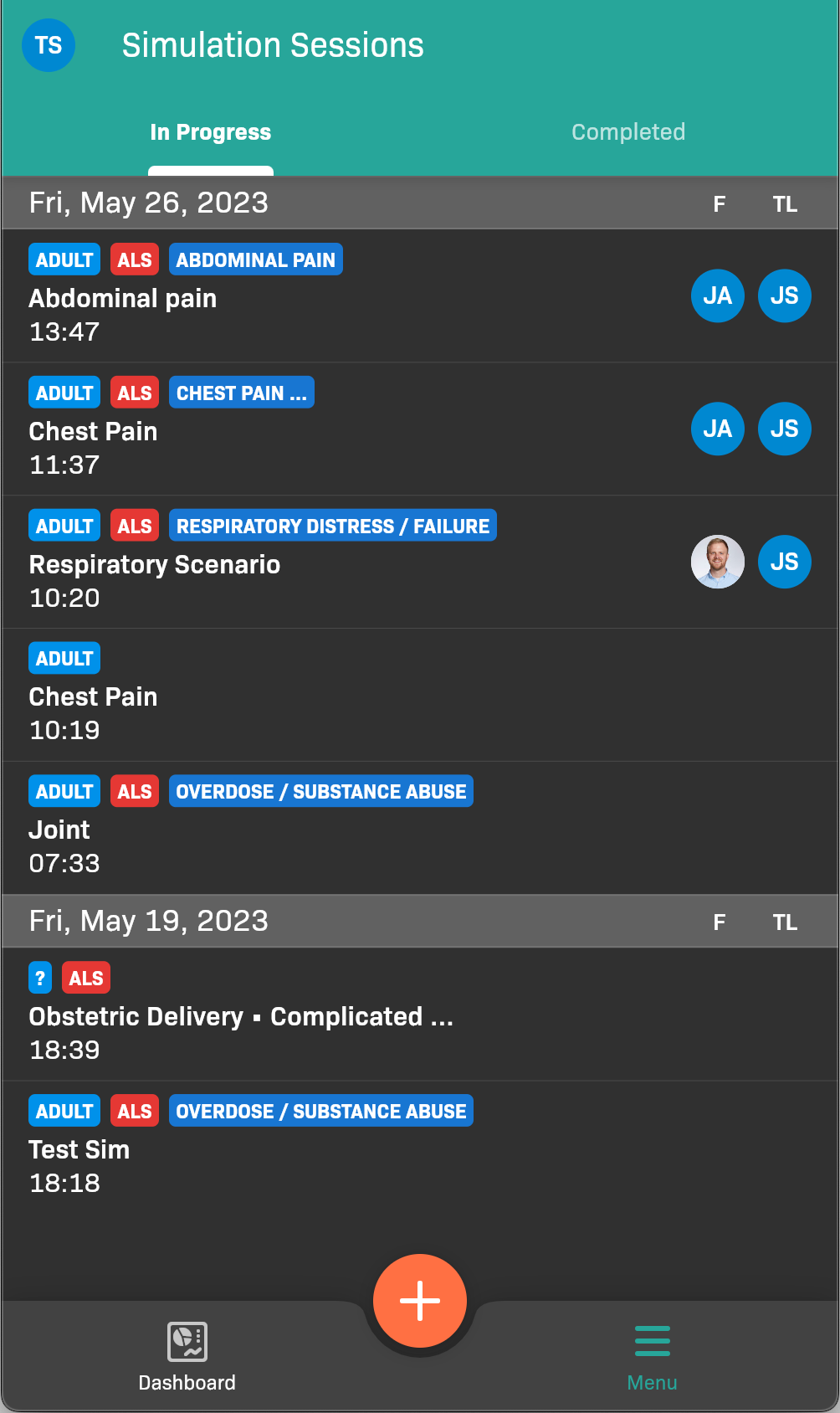
Simulation Sessions page, In Progress tab
-
Find the Team Member that you are evaluating. ou may need to scroll left or right to find the Team Member.
-
Evaluate the team member.
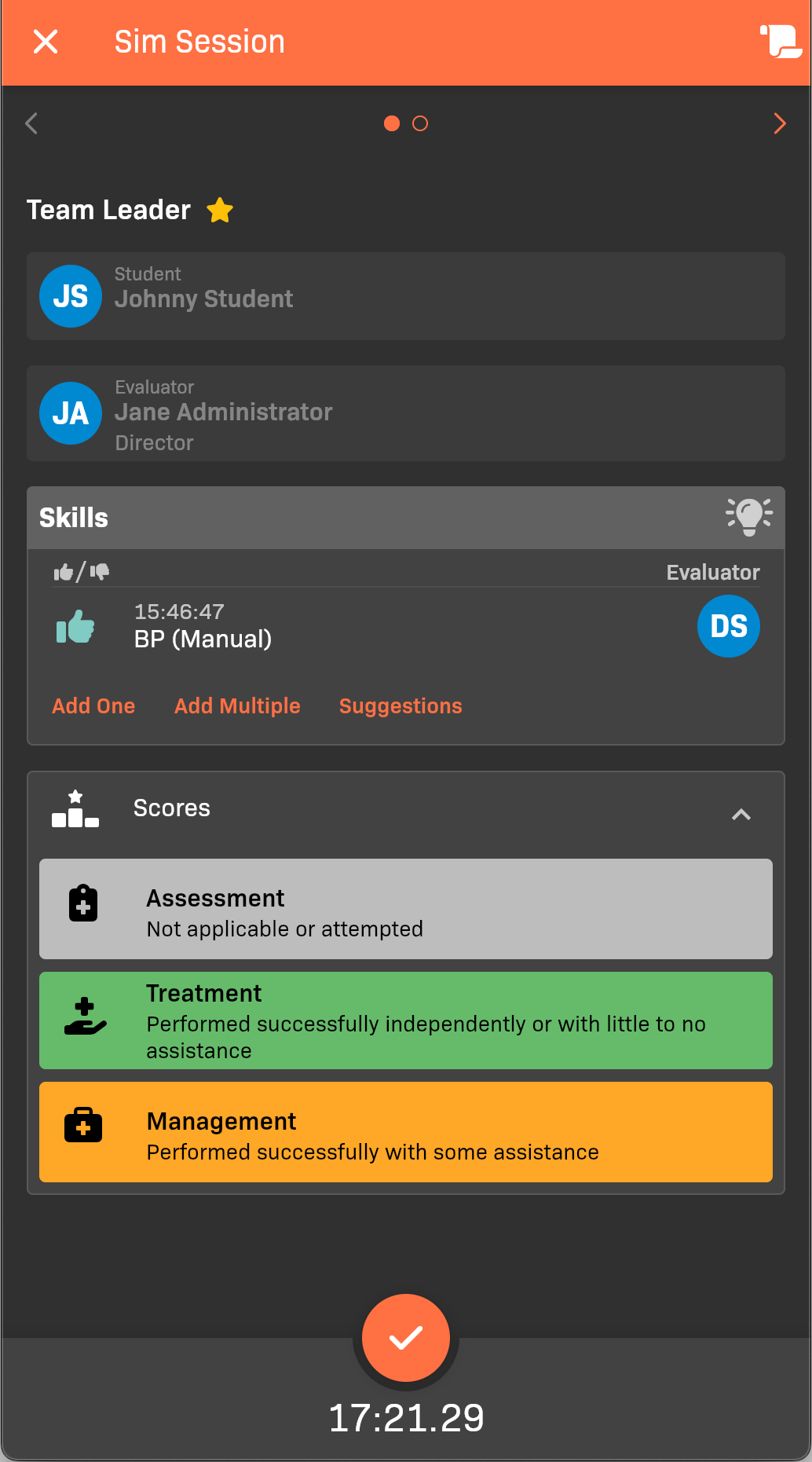
Particip
- Add the Skills that the student demonstrated. You can Add One, Add Multiple, or tap Suggestions to rapidly add skills; tap or next to each applicable skill.
- In the Scores area, provide an Assessment, Treatment, and Management score.
-
When you’re finished, tap .