
Performing evaluator review for a simulated patient evaluation
What is evaluator review?
Section titled “What is evaluator review?”When a student fills out an evaluation on their device, the evaluator needs to review that evaluation and approve or reject it. This ensures accountability and data integrity. For preceptors that have EMCE accounts, those reviews appear in their app. For preceptors that do not have EMCE accounts, the review must be performed on the student’s device.
The process starts when a student hands you their device.
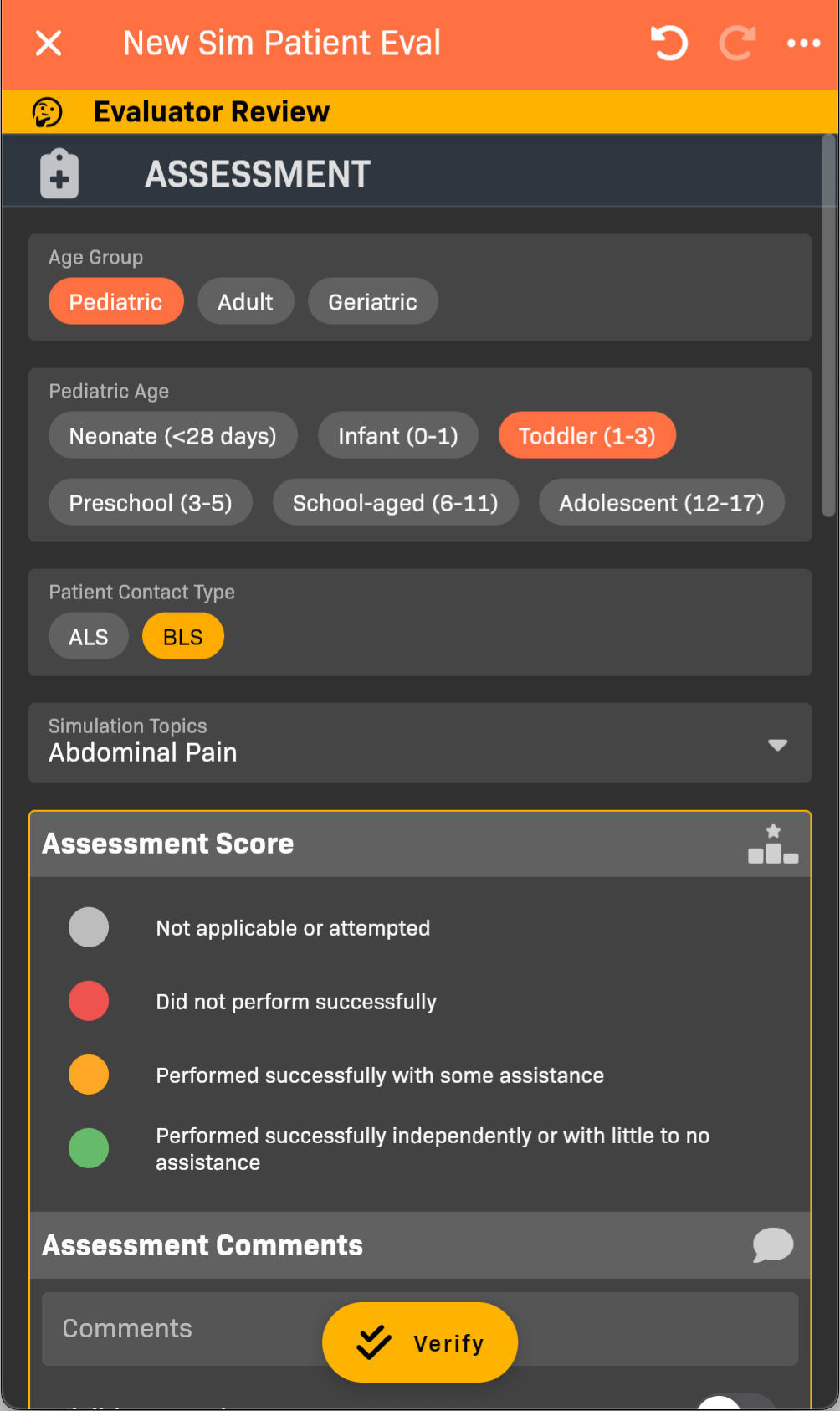
Evaluator Review
-
Review this evaluation for accuracy, score objectives, and make changes as needed. See Filling Out a Simulated Patient Evaluation for details.
-
Tap Verify.
-
Sign your name, then tap Save.
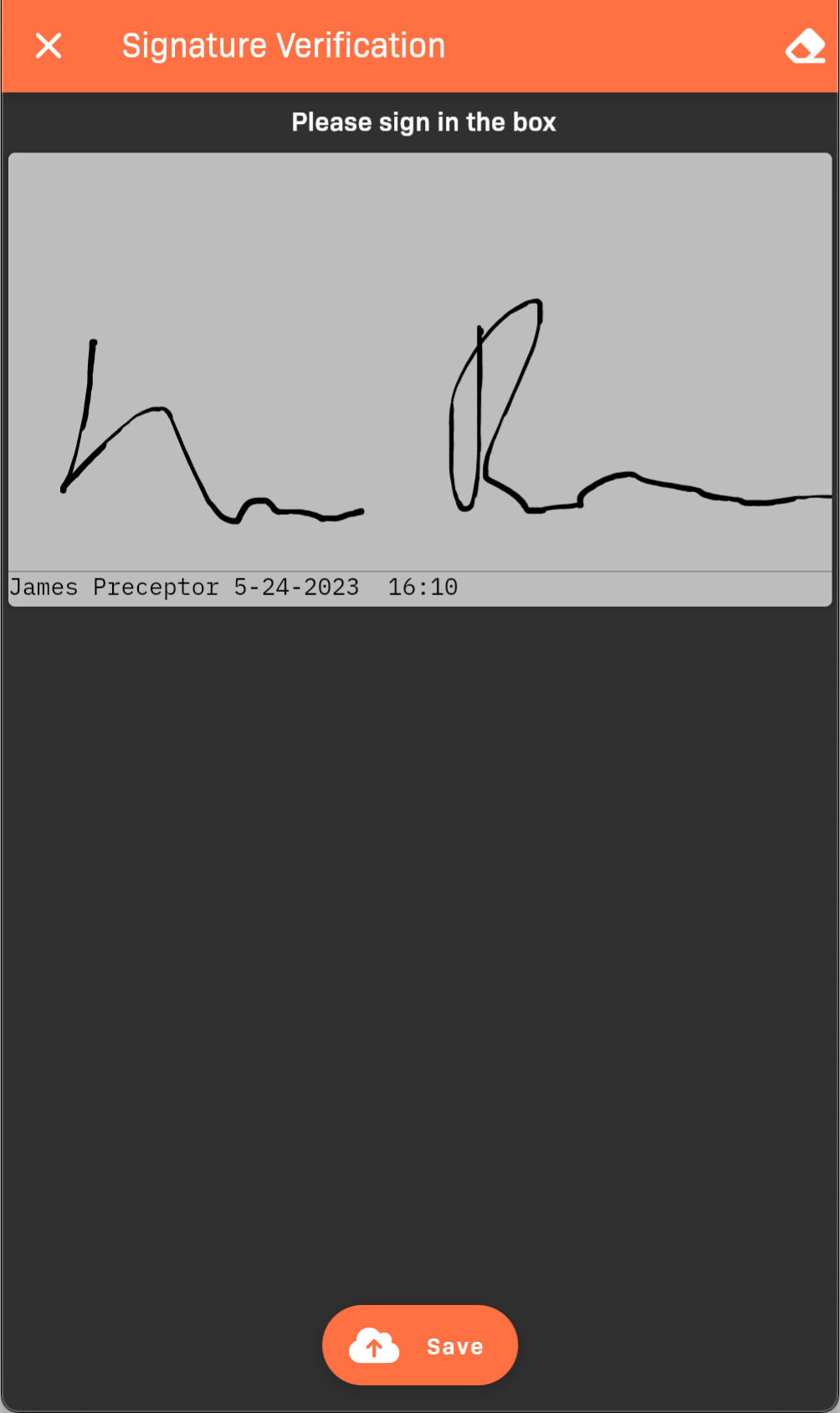
Signature verification