
Requesting to drop an event
Submit a drop request
Section titled “Submit a drop request”- Go to the Schedule page. If you’re using a mobile device, you may need to access this page by first tapping (menu).
- Go to the My Events tab.
- Tap the event you want to drop.
- Tap Request Drop.
- Enter a short reason, then tap Submit.
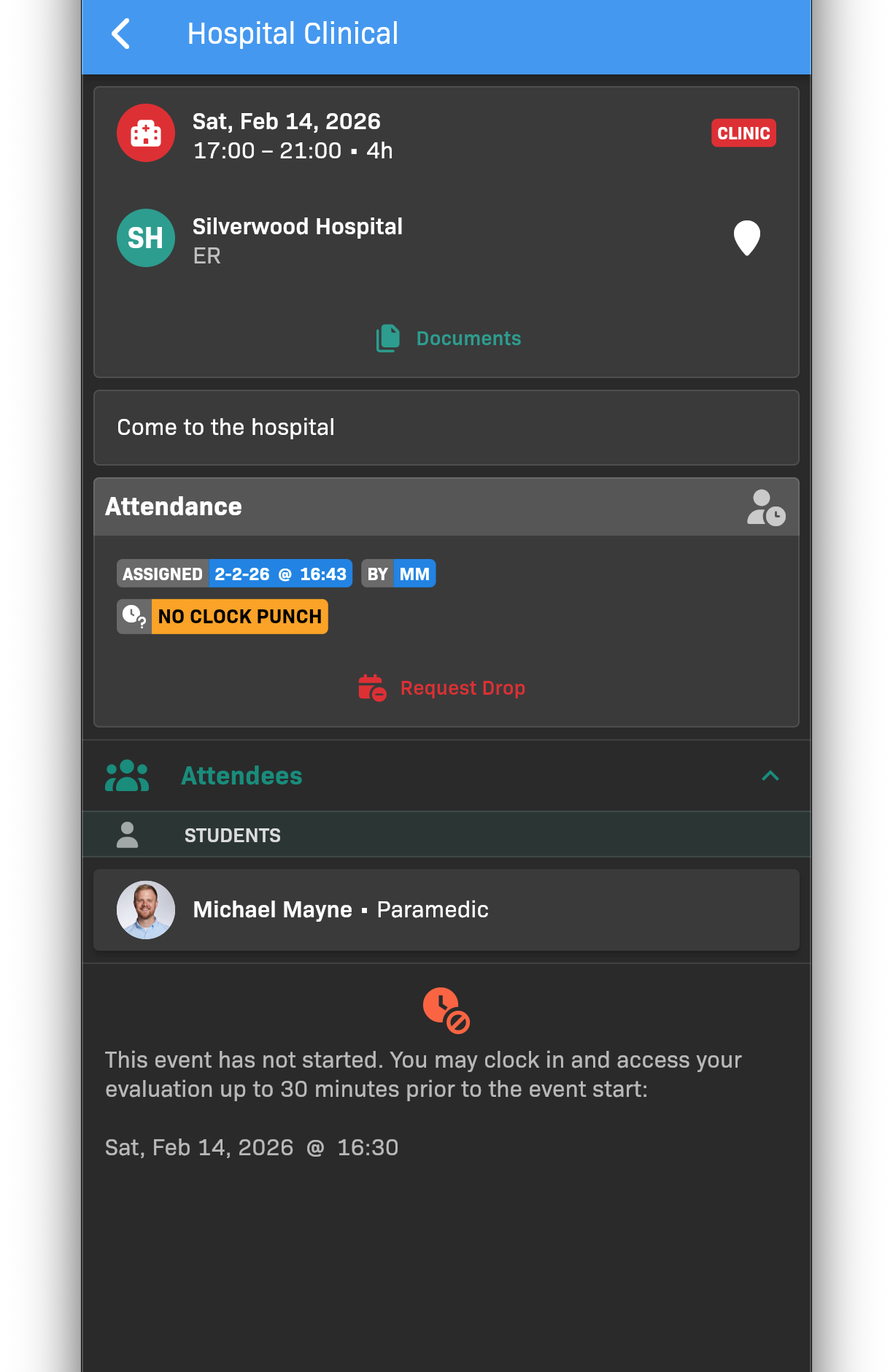
Request Drop dialog
Check request status
Section titled “Check request status”After you submit a request, the event card shows the request status. You will also receive a push notification and email when your request is approved or denied.
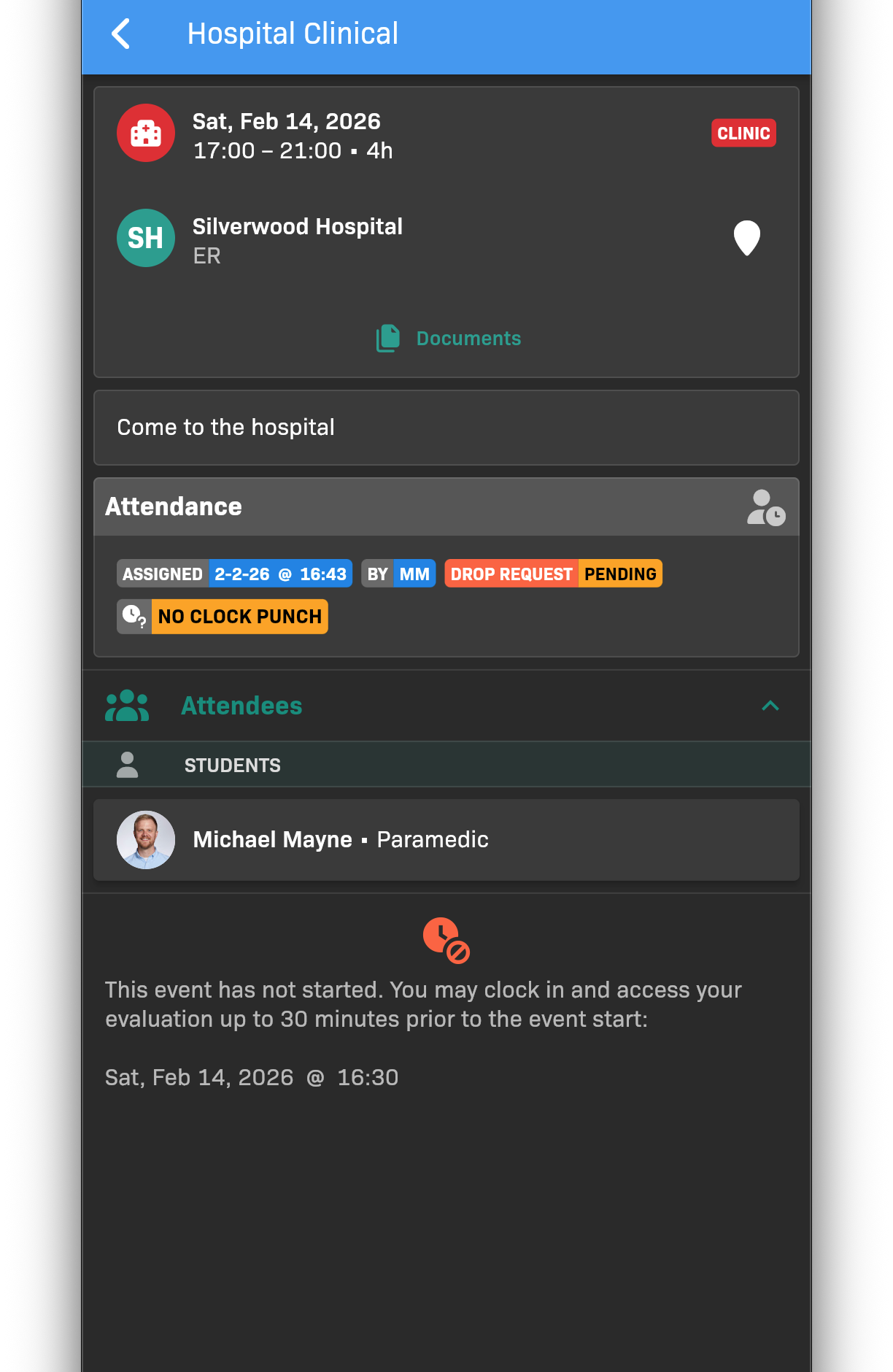
Drop Request status on an event