
Signing up for an available event
Viewing available events
Section titled “Viewing available events”-
Go to the Schedule page. If you’re using a mobile device, you may need to access this page by first tapping (menu).
-
Go to the Available Events tab.
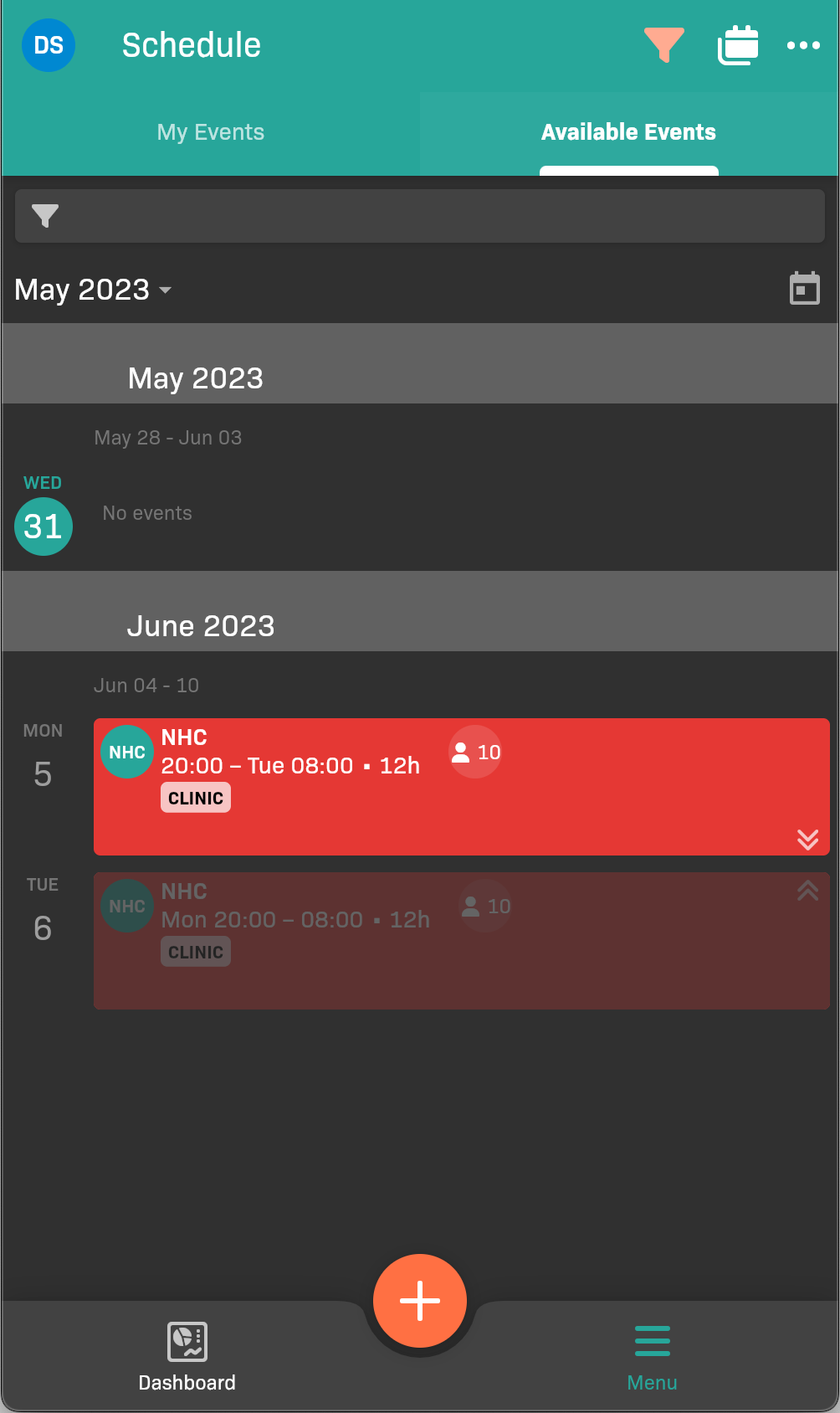
Available Events tab
Signing up for an event
Section titled “Signing up for an event”-
On the Available Events tab, tap the event that you’d like to take.
-
Tap Sign Up at the bottom of the page.
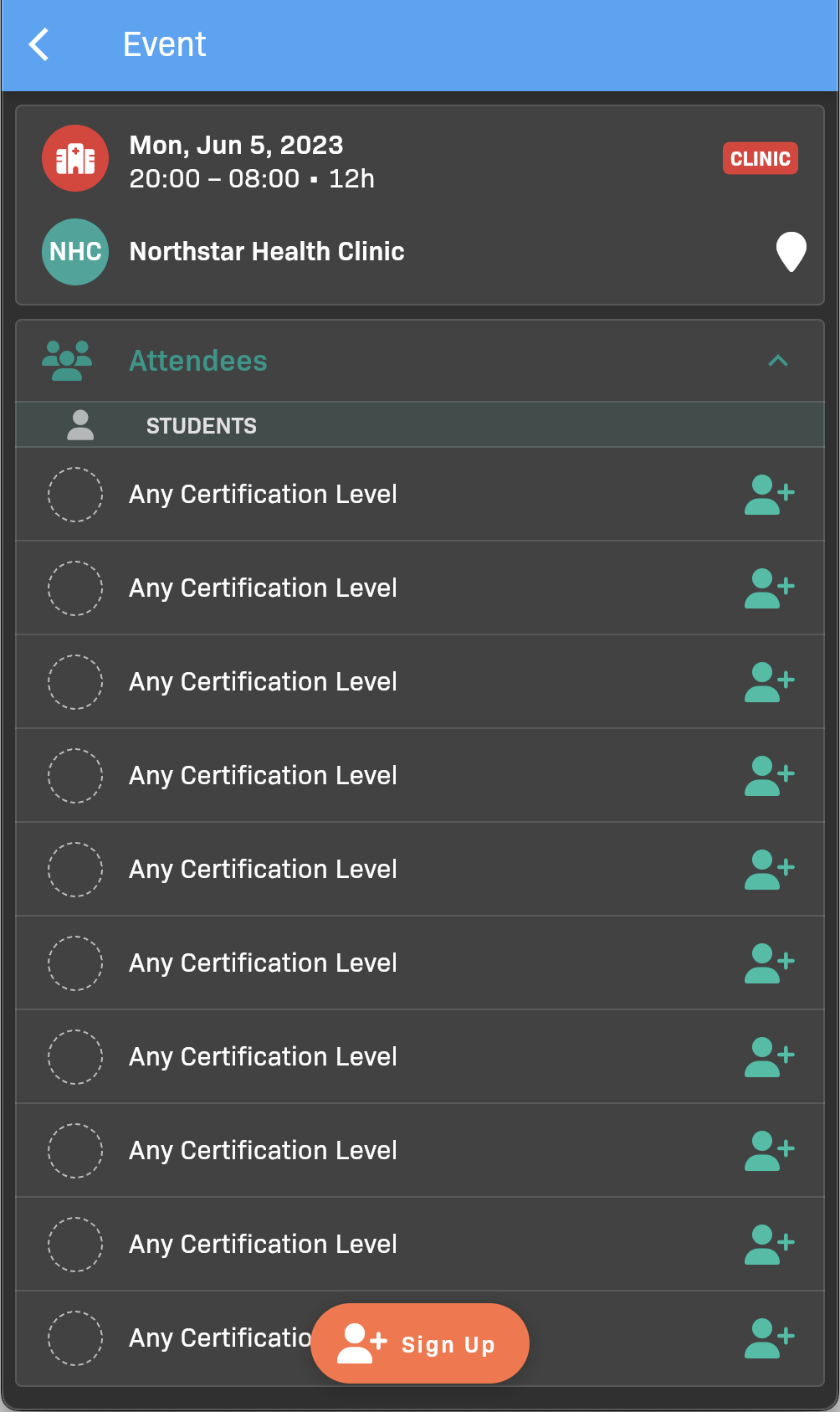
Available Event details
-
Tap OK to confirm.